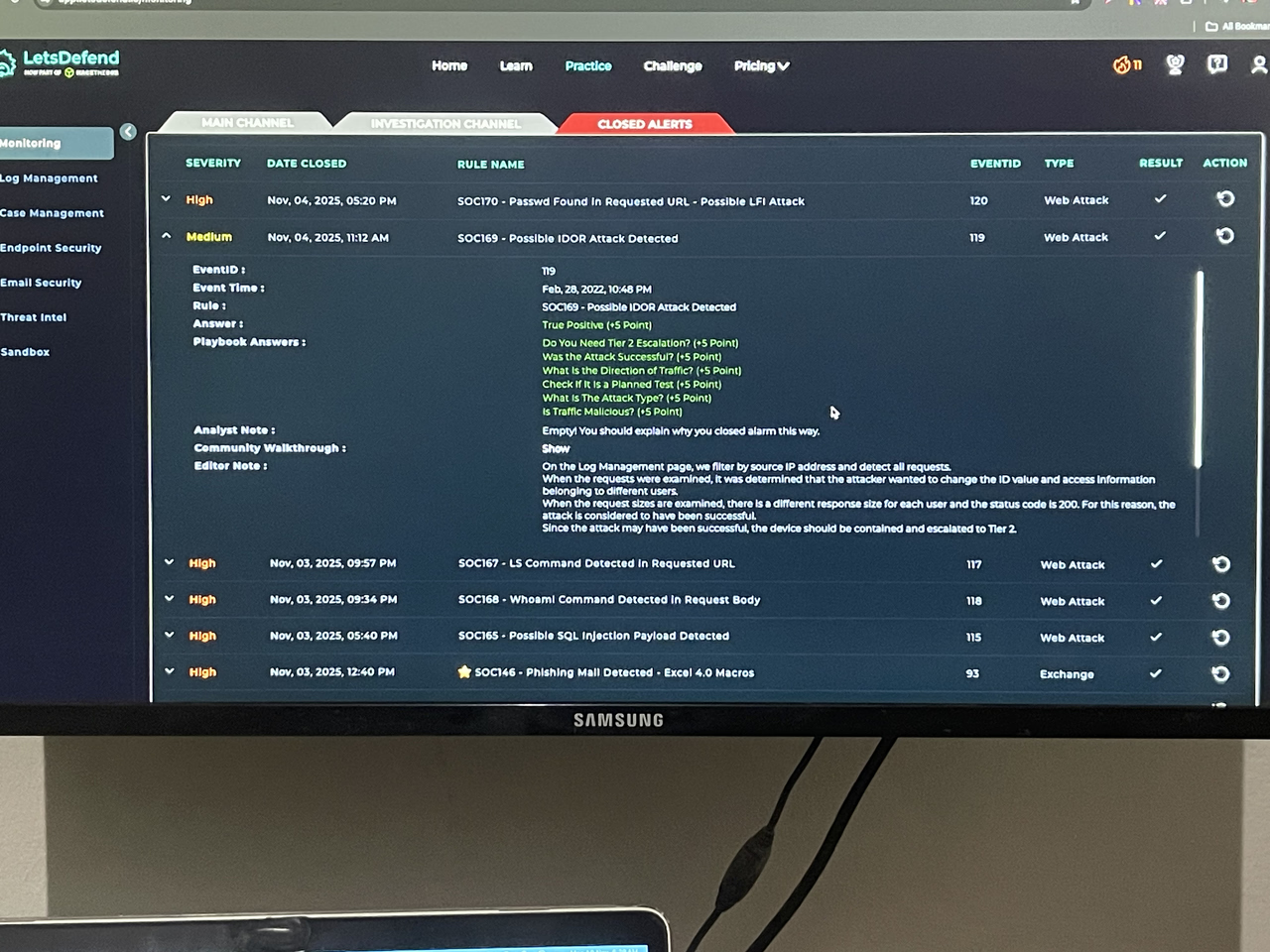
My Walkthrough of letsdefend.io Practice SOC169 - Possible IDOR Attack Detected
What is IDOR ?
An IDOR (Insecure Direct Object Reference) attack HAPPENS when a hacker manipulates a parameter, such as a user ID in a website's URL, to gain unauthorised access or modify data that belongs to another user. The vulnerability happens when a web application trusts user-provided input and fails to properly check if the user is authorised to access the requested information.
So during the Course Detecting Web Attacks, SOC169 - Possible IDOR Attack Detected is part of the Web Attacks Practice with SOC Alert. I started by Understanding Why the Alert Was Triggered which was a consecutive request to the same page and i Checked the SOC ticket queue on the Main Channel to take ownership , create a case for the Event ID and then utilise the Playbook.
During my Analysis, I collected data that are listed below :
Traffic direction
Source IP address
Destination IP address
Device owner
Device hostname
HTTP Request Method
The requested URL
Device action
I used Virustotal and AbuseIPDB to check the source IP address reputations and i was convinced the Traffic is Malicious so i selected Malicious on the Playbook , i then navigated to Log management to examine the HTTP Traffic were i searched for the Source IP address and saw 5 events, i clicked on the raw log and discovered the attacker sent multiple request with different "user_id=x", the HTTP Response status is "200" which means it was a successful attack so again on the Playbook, the Direction of Traffic i selected Internet to Company Network .This indicates the Attack Type is IDOR .
There was no different request/Traffic so i selected "NO". Checked if it is a planned test and i chose "Not Planned" because on the Email security, there is no email to display for the host device that is being targeted. I then navigated to the Endpoint and contained the host .
I then proceeded to document my findings by Adding Artifacts , where i chose "YES" for a successful attack, performed Tier 2 Escalation "YES" and then closed the ticket with a True Positive Alert .
Thank you .